CaseCTRL is an AI-powered platform for surgical coordination, built to raise efficiency and task completion across the workflow.
Scheduling a surgery means coordinating at least five parties. The surgeon, the patient, the operating room, the equipment, and insurance. One case is difficult enough. Imagine managing 30 cases at the same time, alongside pre-surgery visits and post-surgery care. An estimated 30% of cases get dropped at some stage of that process.
Increase iin case volume
+38%
Revenue
Reduced in scheduling time
-30%
Efficiency
Net promoter score
90%
Satisfaction

the real problem
The MVP didn't fit the way schedulers work
The MVP was getting negative feedback. Users complained about limited features and a terrible user experience, and it made the workflow more complicated. Thin on features is expected, but a terrible user experience is not acceptable.
The brief and the goals were very clear: fix the usability.
Three designers tried to fix the problem, but none worked. So I reverse-engineered it, starting from the scheduler's end state and working backward. Whenever I hit a block, I pulled in different stakeholders who could answer. It slowly turned into a group exercise.

The gap
The interruptions are part of the job
Most SaaS products are built around linear, step-by-step processes with a clear, orderly path from start to finish. Surgery scheduling is one exception, and the MVP wasn’t built for it. An estimated 30% of cases get dropped along the way, and users were frustrated. The MVP wasn't solving the problem schedulers hoped it would. It was just moving it from one medium to another.
The MVP assumed:
+
A fixed sequence of tasks
+
+
One case in view at a time
The scheduler actually does:
+
A clear well-defined starting and end points
+
No required order in between
+
Work is constantly interrupted
+
Switch tasks and cases mid-thought
Built the platform around the existing workflow, with expanded AI making the process faster

Managing cases and managing the day are two different job
The MVP gave schedulers one way to see their work. But the job needs two.

The list is for managing cases
Rows are grouped by stage, and what shows on a row changes with the stage. Key notes and status, readable without opening anything. The most important piece is the three action buttons, which do three jobs at once.
→
Quick access — One click to that task’s tab.
→
Status — A button stays until its task is done, then the result replaces it. What's still showing is what's left.
→
Priority — Green is the next required task. Most in-progress cases have exactly one, so schedulers spot them with a quick scan.
The timeline is for managing the day, and clinic admins need it too
The calendar view is organized by resource, across day, week, month, year, or a custom range. Two jobs live there.
→
Standby cases — Already confirmed cases, and patients are willing to move earlier. They fill cancellations and openings.
→
Confirm Day — A last pass over tomorrow’s cases so the surgeon has an accurate list that evening. This is where the clinic admin’s stake became obvious. They make sure the day actually runs.

02.
The IA and UI are built for switching content quickly
Interruptions are part of the schedulers' existing workflow. Instead of changing their habits, the platform embraced them.

The drawer keeps the list visible
The case page opens over the list without covering it. Patient names stay visible and clickable, so switching cases is one click.
Collapsible panels prevent info overload
Surgery Details holds the core data for the whole process, so it stays reachable at any step. If it's always open, it overwhelms the screen, so it's collapsed by default. One exception: the Schedule tab, where those details are what a time slot is picked against.
Notes stay in the right sidebar
The sidebar stays vertical rather than folding into horizontal tabs, which makes it fast to find mid-interruption. Tasks expand in Documents, and Notes expand in Insurance because 80% of notes were insurance-related and were used during calls.
03.
Widened AI functionalities for efficiency and optimization
The platform was already AI-powered since MVP, but the AI ran narrow. My work was widening it into a launch-ready product.

More inputs, better suggestions
AI runs the search and suggests time slots. Aligning parties by hand is slow, and a single assistant change can force a near-complete reschedule. The search uses two data sets.
→
Surgical data — From the surgeon. Diagnoses, equipment, insurance code.
→
Logistics data — From the admin. OR availability, vendors, surgeon availability.
Adding resources as a search requirement lets the system batch surgeries that share a vendor’s equipment on the same day. It returns five slots, with more available on request.
Override lets them proceed , but refuses to let them forget
Suggestions are only suggestions. A conflict raises a warning. Proceed anyway, and the system writes the required tasks onto the case, so the conflict has to clear before it can reach "Confirmed.”
More ways to use the same set of data
Everything a case needs was already being captured, so widening what we read from it was cheap. Resource commitments across cases become the admin's live view of rooms, equipment, and vendors.
Logistics data exists in every clinic, just scattered across many platforms. The MVP handled it white-glove: the clinic exported, the team sorted and uploaded, and updating was nearly impossible. So I built the admin portal and connected it via API to wherever the data already lived.
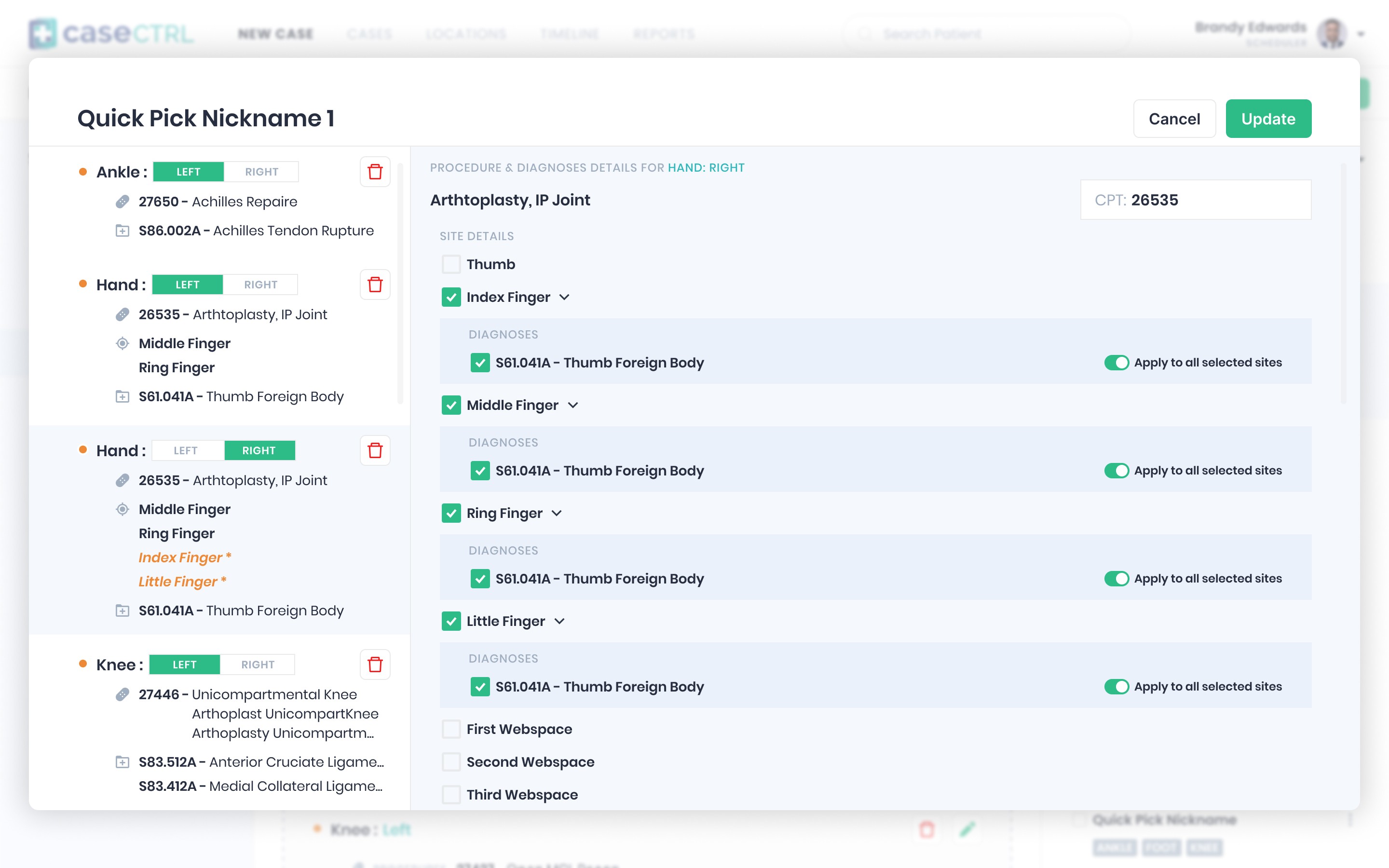
Built for the habit, built for expansion
Optimizing workflows doesn't always mean removing friction. We can embrace the existing workflow by having the right info in the right place at the right time. Interruptions are part of the work, and making the interruption feel natural can be the solution.
CaseCTRL was built and intended to be used with the larger hospital systems from the beginning. Most surgeons have a working relationship with hospitals, so we designed the structure, experiences, and UI for expansion. The product can support multiple surgeons or locations with a single switch.
LeanTaaS acquired CaseCTRL in June 2025.